Save: 600৳ (-4%)
Copied!
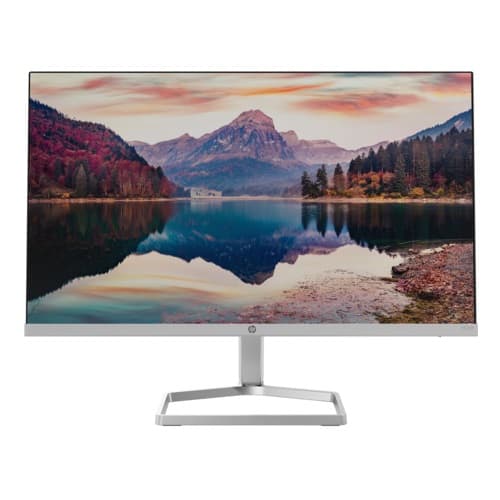
HP M22f 22" FHD IPS Monitor
৳ 14,500৳ 15,100
In Stock


No item to show!
Browse desktop monitors for office productivity, coding, graphic design, and entertainment. Compare panel technology, resolution, refresh rate, and ergonomic stand adjustments.
Copied!
A dedicated monitor expands screen workspace, sharpens text clarity, and reduces eye strain during prolonged screen time.
Direct Answer: Compare display panel technology (IPS vs. VA), screen resolution, refresh rate, video inputs (HDMI, DisplayPort), and ergonomic stand adjustability.
IPS panels provide wide viewing angles and consistent color fidelity, making them preferred for office productivity and photo editing. VA panels deliver higher contrast ratios with deeper blacks for multimedia viewing.
Full HD (1080p) is ideal for 21.5-inch to 24-inch screens. For 27-inch displays and larger, 2K QHD (2560x1440) or 4K UHD resolutions preserve sharp pixel density without graininess.
Refresh rates of 75Hz to 100Hz provide smoother cursor motion than older 60Hz panels. Look for TÜV-certified flicker-free backlighting and low blue light modes to protect your eyes.
Standard HDMI and DisplayPort inputs provide broad compatibility with desktop PCs and laptops, while built-in speakers or audio pass-through jacks keep desk setups neat.